Privacy & Security
How we handle audio.
Walkie One sends audio through our servers to Microsoft Azure Speech. The resulting text goes to your selected AI assistant.
Recording
Records while you hold Talk. Recording stops when you release the button. No wake word or background listening.
Encryption
Connections and messages waiting on our servers are encrypted.
Advertising and AI training
We do not use conversation content for advertising or to train AI models.
Provider history
Assistant providers manage their own history, retention and training settings.
Audio processing
Walkie One records audio. Microsoft Azure Speech converts it to text, and your selected assistant returns a text reply. Azure Speech then converts the reply back to audio. Press Play to hear it.
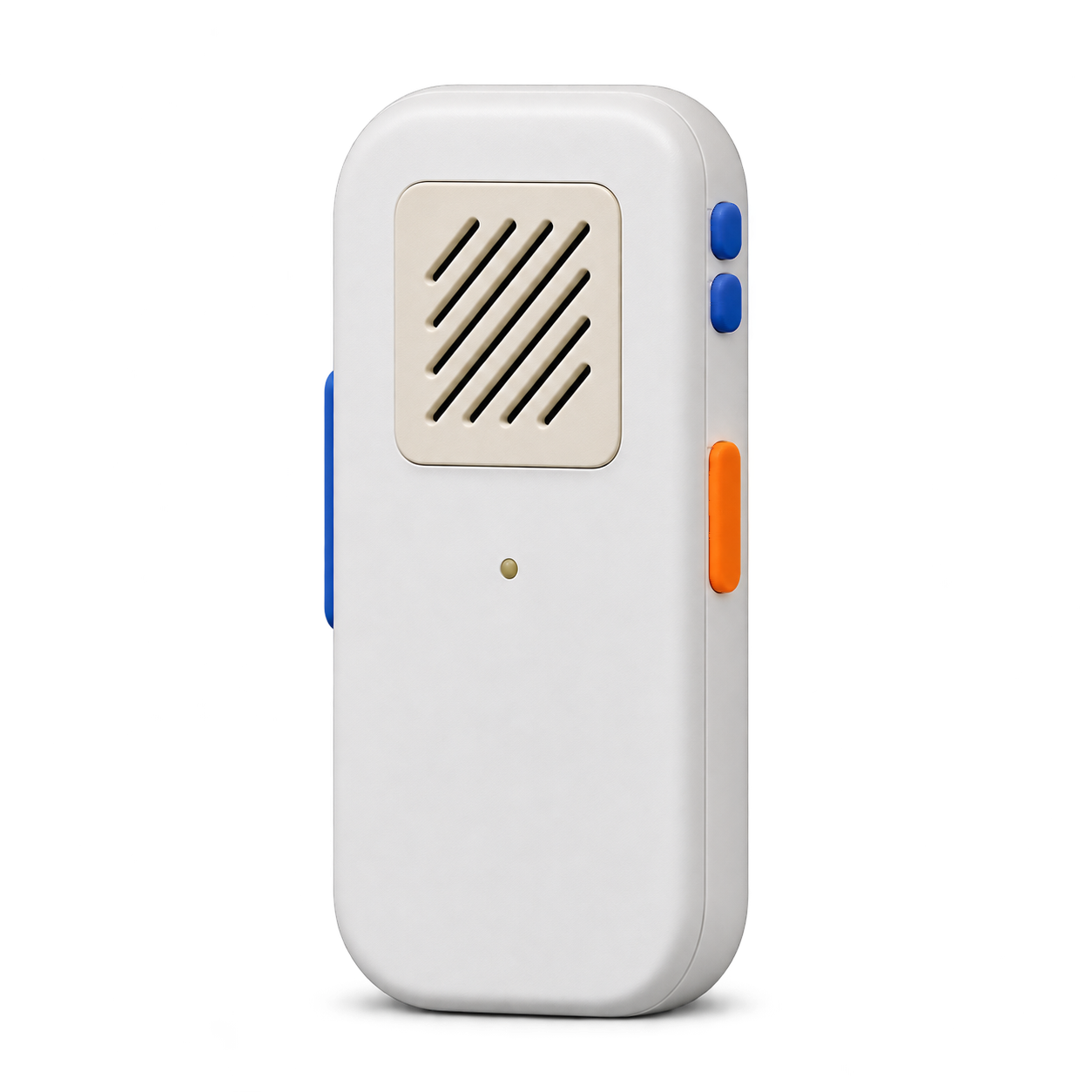
Walkie One
Records while you hold Talk.
Our servers
Microsoft Azure Speech converts audio to text, and converts the assistant’s reply back to audio.
Your assistant
Receives the text of your message and returns a text reply.
Our servers can read message content to process requests and replies.
Data storage and deletion
Storage and deletion periods for each type of data.
| Data | What happens | Retention |
|---|---|---|
| Recorded audio | Processed in memory. | No recording archive. |
| Request text | Encrypted on our servers. | When the request finishes, or expires after 1 hour. |
| Reply text | Encrypted on our servers. | After playback, or expires after 24 hours. |
| Encrypted backups | Encrypted database backups. | 7 days. |
Service outages can delay automatic deletion. Delivery records contain status information, not message content. They are deleted 7 days after a reply expires.
Account data and history
Account data
We store your email address, registered devices and assistant connection settings. Saved connection credentials are encrypted.
Mac app and assistant history
The Mac app can store up to 12 hours of recent text for context. You can disable or clear this history in the app. Your assistant may keep its own history. Its retention and training settings are managed separately with that provider.
Account and device controls
In Your devices, clear messages waiting for delivery, lock a lost Walkie One, or forget saved assistant connections. To delete your account, go to Account settings.
Assistant permissions and approval settings determine which actions are allowed. Anyone holding an unlocked Walkie One can use its connected assistant.
Contact us with questions about privacy or security.